OnionLand Search
OnionLand Search
About 5,849 results found.
(Query 0.00500 seconds)
All
Images
jamblery7zgxknhjtmj3mhfdajmyddqxbufrf6voa32h5w4otux3crqd.onion
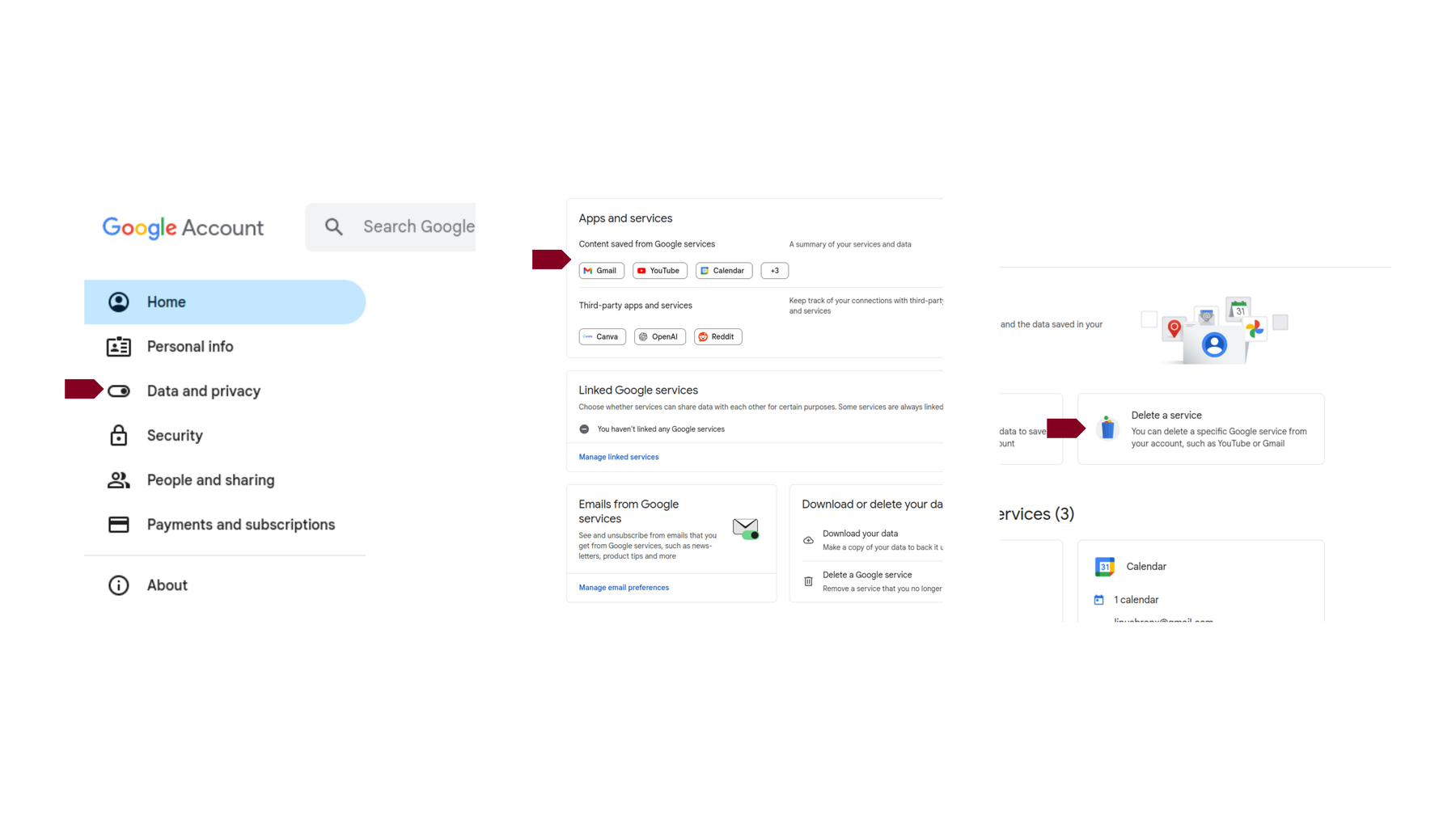
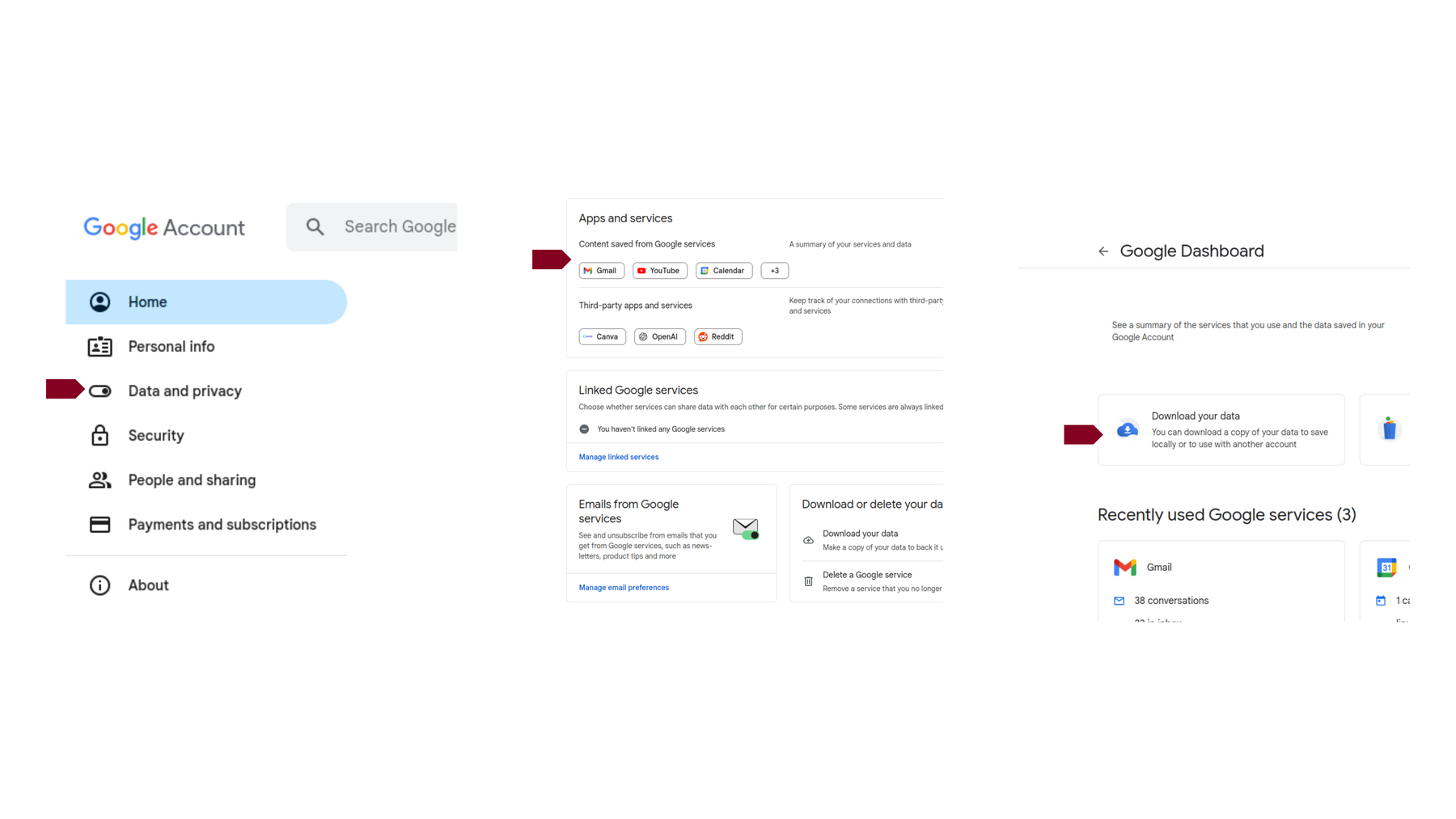
Hier sind die ersten Schritte, um mit dem Löschen Ihres Gmail-Kontos zu beginnen.
tutacomm6oqwlbbpd246mljjxpupuxxqj2jg5mfdyegeaetdauigslad.onion
Google hat die Option zum Löschen des Kontos möglicherweise vergraben, aber Sie können sie hier finden.
tutacomm6oqwlbbpd246mljjxpupuxxqj2jg5mfdyegeaetdauigslad.onion
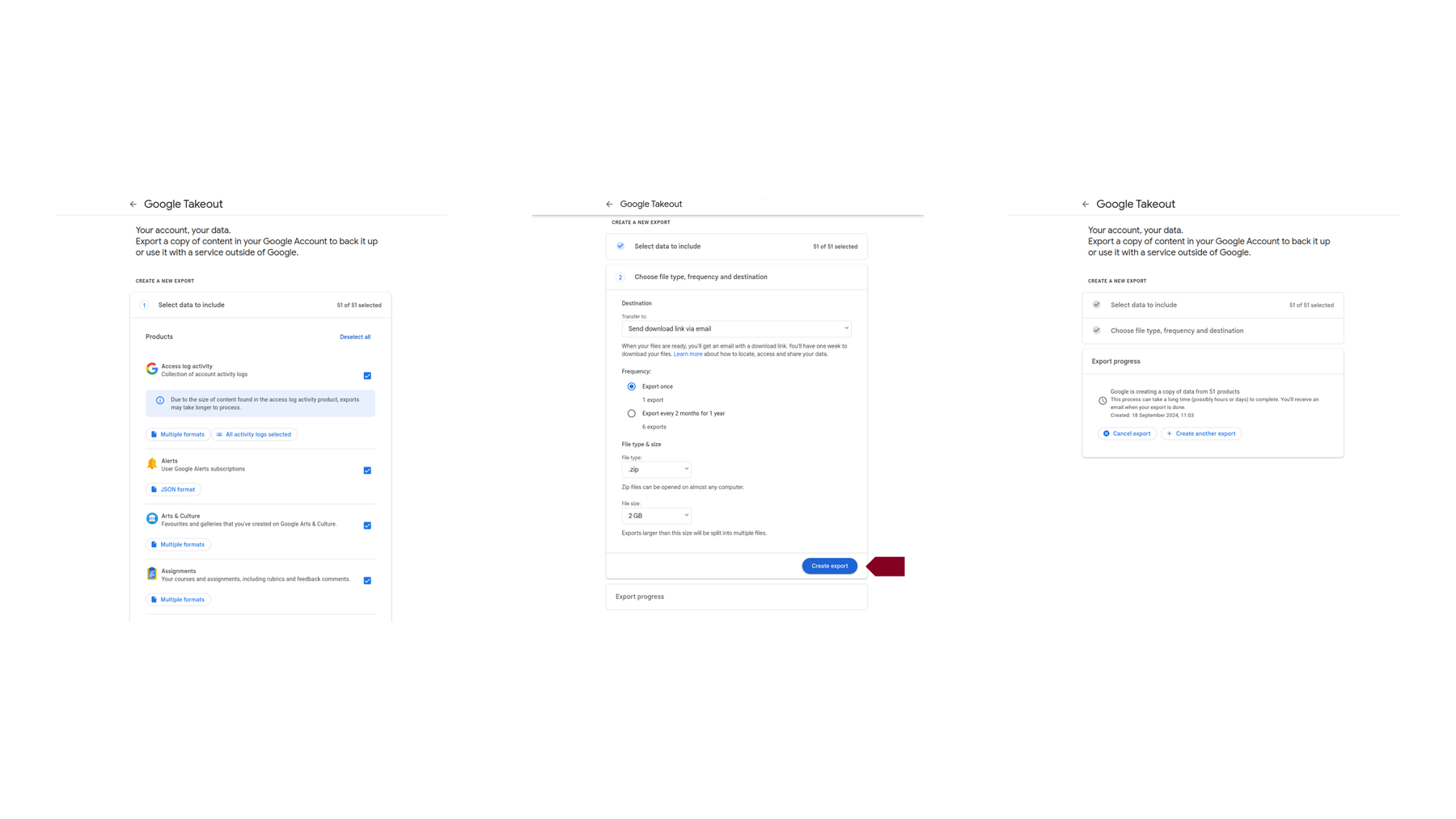
Das Exportieren Ihrer Daten ist der zweite Schritt beim Löschen eines Gmail-Kontos.
tutacomm6oqwlbbpd246mljjxpupuxxqj2jg5mfdyegeaetdauigslad.onion
ssd.iykpqm7jiradoeezzkhj7c4b33g4hbgfwelht2evxxeicbpjy44c7ead.onion
y7yea4pmqqtznb33qiugvysyn2bob5v62e4pvoadoibrwkq3tsddjeyd.onion
ssd.iykpqm7jiradoeezzkhj7c4b33g4hbgfwelht2evxxeicbpjy44c7ead.onion
y7yea4pmqqtznb33qiugvysyn2bob5v62e4pvoadoibrwkq3tsddjeyd.onion
ssd.iykpqm7jiradoeezzkhj7c4b33g4hbgfwelht2evxxeicbpjy44c7ead.onion
y7yea4pmqqtznb33qiugvysyn2bob5v62e4pvoadoibrwkq3tsddjeyd.onion
ssd.iykpqm7jiradoeezzkhj7c4b33g4hbgfwelht2evxxeicbpjy44c7ead.onion
y7yea4pmqqtznb33qiugvysyn2bob5v62e4pvoadoibrwkq3tsddjeyd.onion
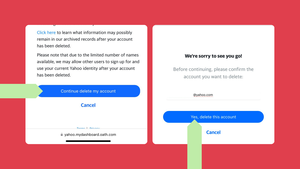
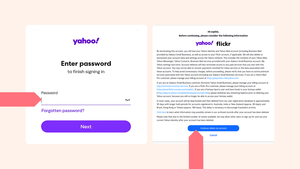
Über den Browser auf einem iPhone können Sie die Seite zur Kündigung des Yahoo-Kontos aufrufen, um Ihr altes Postfach endgültig zu löschen.
tutacomm6oqwlbbpd246mljjxpupuxxqj2jg5mfdyegeaetdauigslad.onion
Erste Schritte zum Löschen Ihres Yahoo-Kontos: Melden Sie sich bei dem Konto an, das Sie schließen möchten, lesen Sie die wichtigen Informationen durch und klicken Sie auf
tutacomm6oqwlbbpd246mljjxpupuxxqj2jg5mfdyegeaetdauigslad.onion
hacktowns3sba2xavxecm23aoocvzciaxirh3vekg2ovzdjgjxedfvqd.onion
o54hon2e2vj6c7m3aqqu6uyece65by3vgoxxhlqlsvkmacw6a7m7kiad.onion
hacktowns3sba2xavxecm23aoocvzciaxirh3vekg2ovzdjgjxedfvqd.onion
o54hon2e2vj6c7m3aqqu6uyece65by3vgoxxhlqlsvkmacw6a7m7kiad.onion
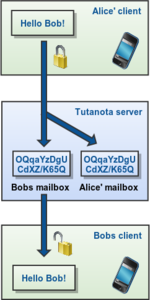
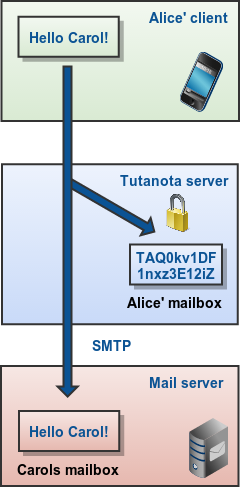
Sending and receiving end-to-end encrypted emails
tutacomm6oqwlbbpd246mljjxpupuxxqj2jg5mfdyegeaetdauigslad.onion
Detailed search mask
tutacomm6oqwlbbpd246mljjxpupuxxqj2jg5mfdyegeaetdauigslad.onion
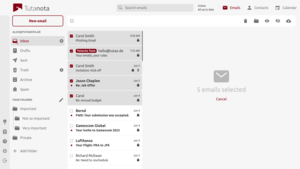
Multi select
tutacomm6oqwlbbpd246mljjxpupuxxqj2jg5mfdyegeaetdauigslad.onion
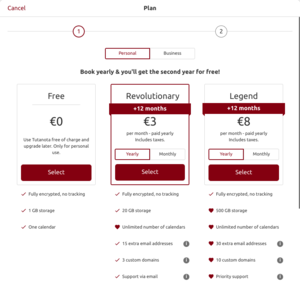
Pick a Tuta subscription
tutacomm6oqwlbbpd246mljjxpupuxxqj2jg5mfdyegeaetdauigslad.onion
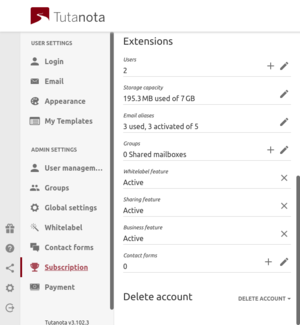
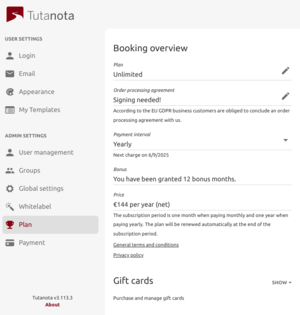
Subscription
tutacomm6oqwlbbpd246mljjxpupuxxqj2jg5mfdyegeaetdauigslad.onion
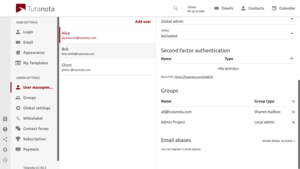
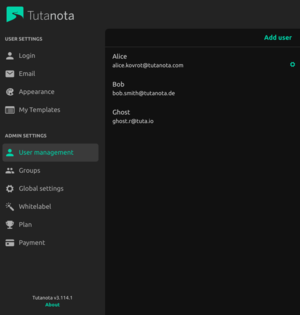
User management
tutacomm6oqwlbbpd246mljjxpupuxxqj2jg5mfdyegeaetdauigslad.onion
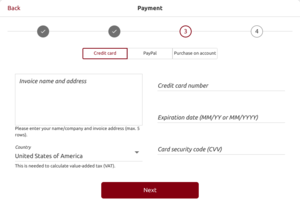
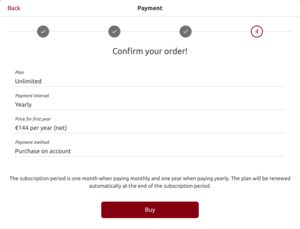
Payment
tutacomm6oqwlbbpd246mljjxpupuxxqj2jg5mfdyegeaetdauigslad.onion
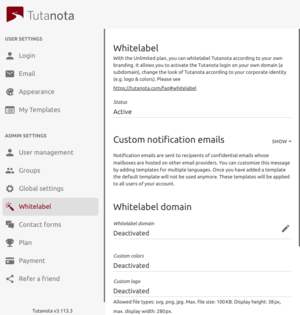
Whitelabel
tutacomm6oqwlbbpd246mljjxpupuxxqj2jg5mfdyegeaetdauigslad.onion
Upgrading Free account
tutacomm6oqwlbbpd246mljjxpupuxxqj2jg5mfdyegeaetdauigslad.onion
Confirm
tutacomm6oqwlbbpd246mljjxpupuxxqj2jg5mfdyegeaetdauigslad.onion
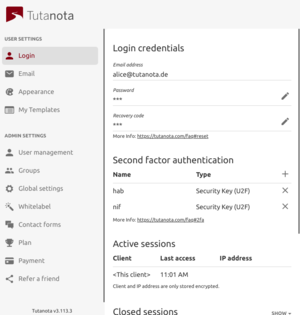
Login
tutacomm6oqwlbbpd246mljjxpupuxxqj2jg5mfdyegeaetdauigslad.onion
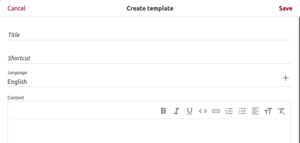
Pop-up for template creation
tutacomm6oqwlbbpd246mljjxpupuxxqj2jg5mfdyegeaetdauigslad.onion
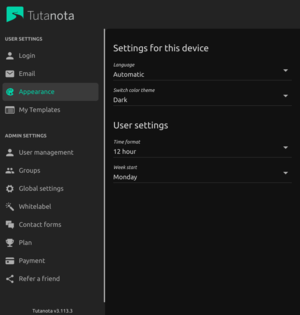
Appearance
tutacomm6oqwlbbpd246mljjxpupuxxqj2jg5mfdyegeaetdauigslad.onion
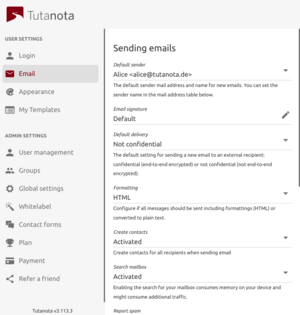
Sending mails
tutacomm6oqwlbbpd246mljjxpupuxxqj2jg5mfdyegeaetdauigslad.onion
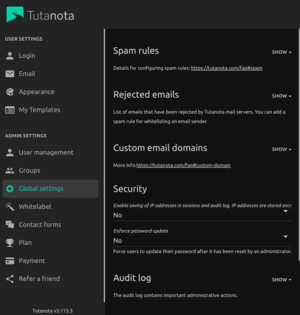
Global settings
tutacomm6oqwlbbpd246mljjxpupuxxqj2jg5mfdyegeaetdauigslad.onion
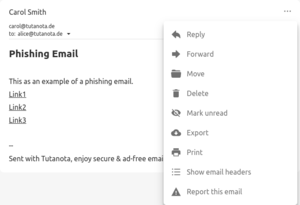
Report phishing
tutacomm6oqwlbbpd246mljjxpupuxxqj2jg5mfdyegeaetdauigslad.onion
Local admin
tutacomm6oqwlbbpd246mljjxpupuxxqj2jg5mfdyegeaetdauigslad.onion
Local admin
tutacomm6oqwlbbpd246mljjxpupuxxqj2jg5mfdyegeaetdauigslad.onion
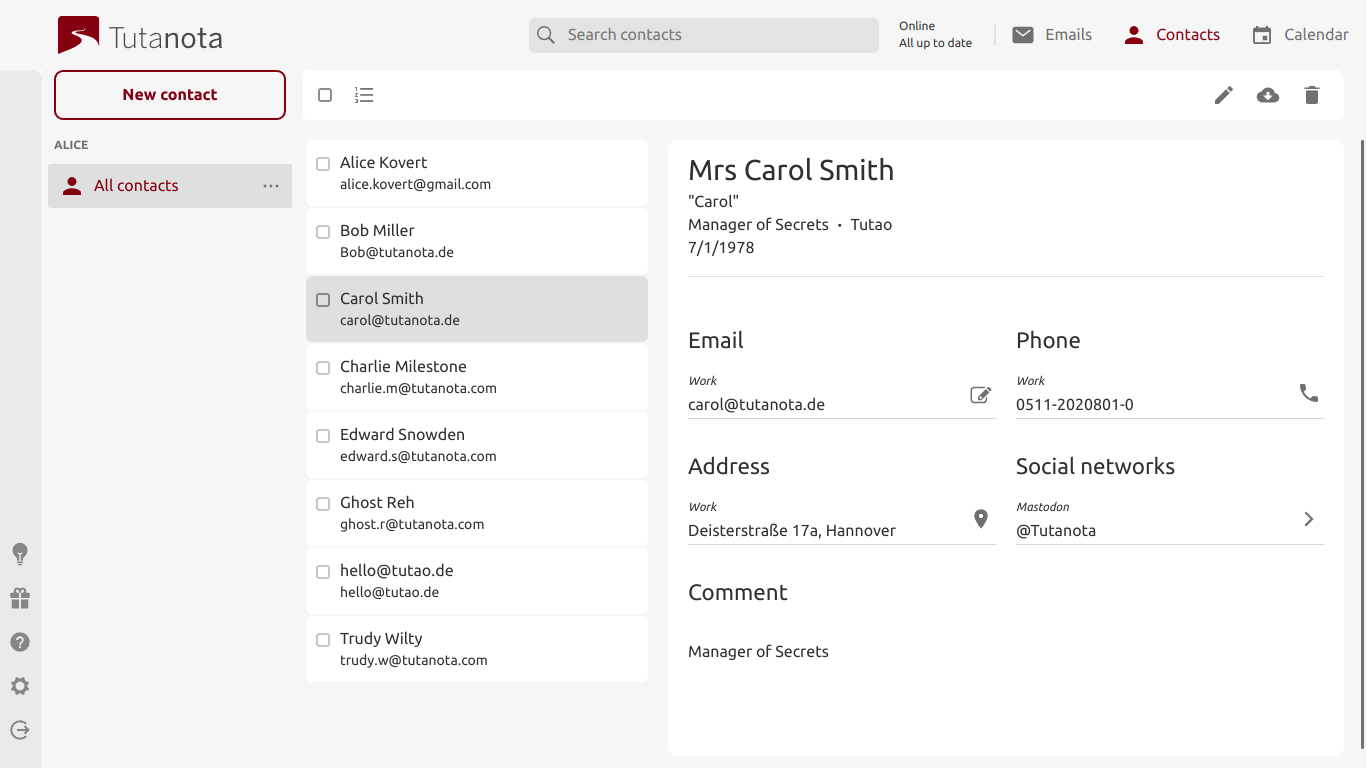
Contact list
tutacomm6oqwlbbpd246mljjxpupuxxqj2jg5mfdyegeaetdauigslad.onion
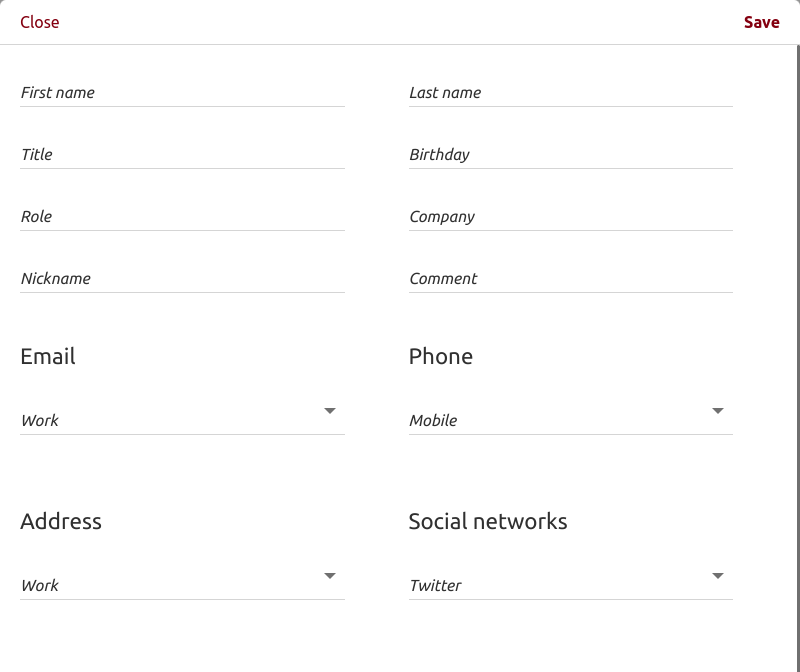
Create a contact
tutacomm6oqwlbbpd246mljjxpupuxxqj2jg5mfdyegeaetdauigslad.onion
Sending non-confidential emails
tutacomm6oqwlbbpd246mljjxpupuxxqj2jg5mfdyegeaetdauigslad.onion
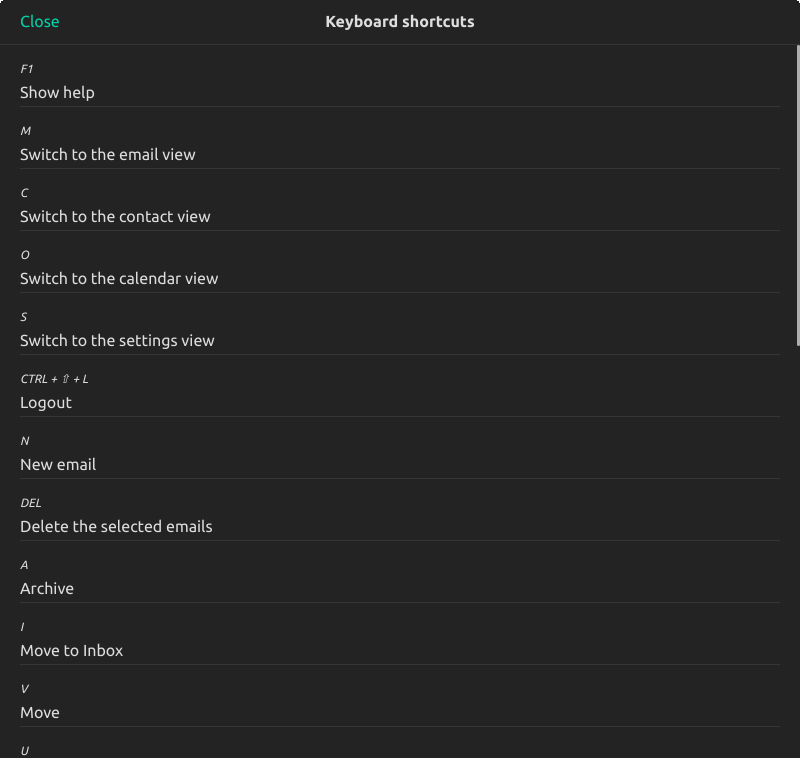
Tuta shortcuts
tutacomm6oqwlbbpd246mljjxpupuxxqj2jg5mfdyegeaetdauigslad.onion
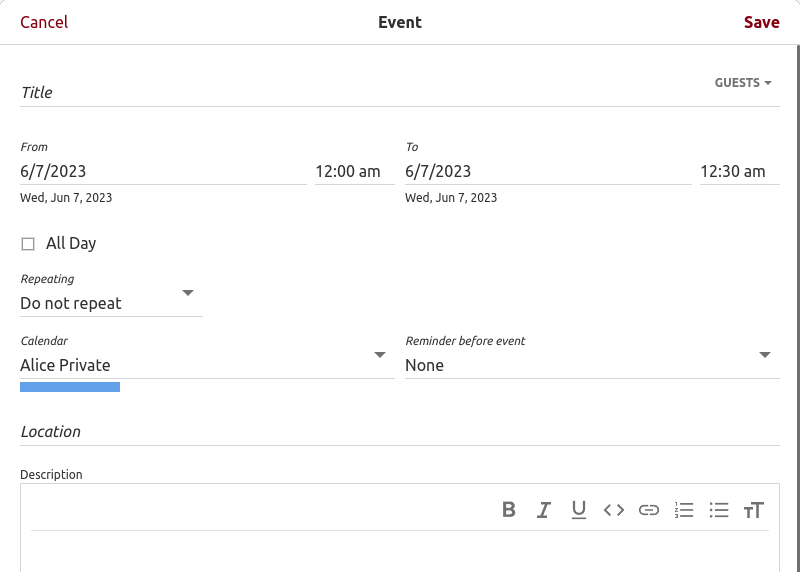
Encrypted calendar: create event view
tutacomm6oqwlbbpd246mljjxpupuxxqj2jg5mfdyegeaetdauigslad.onion
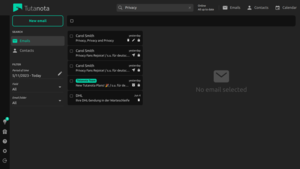
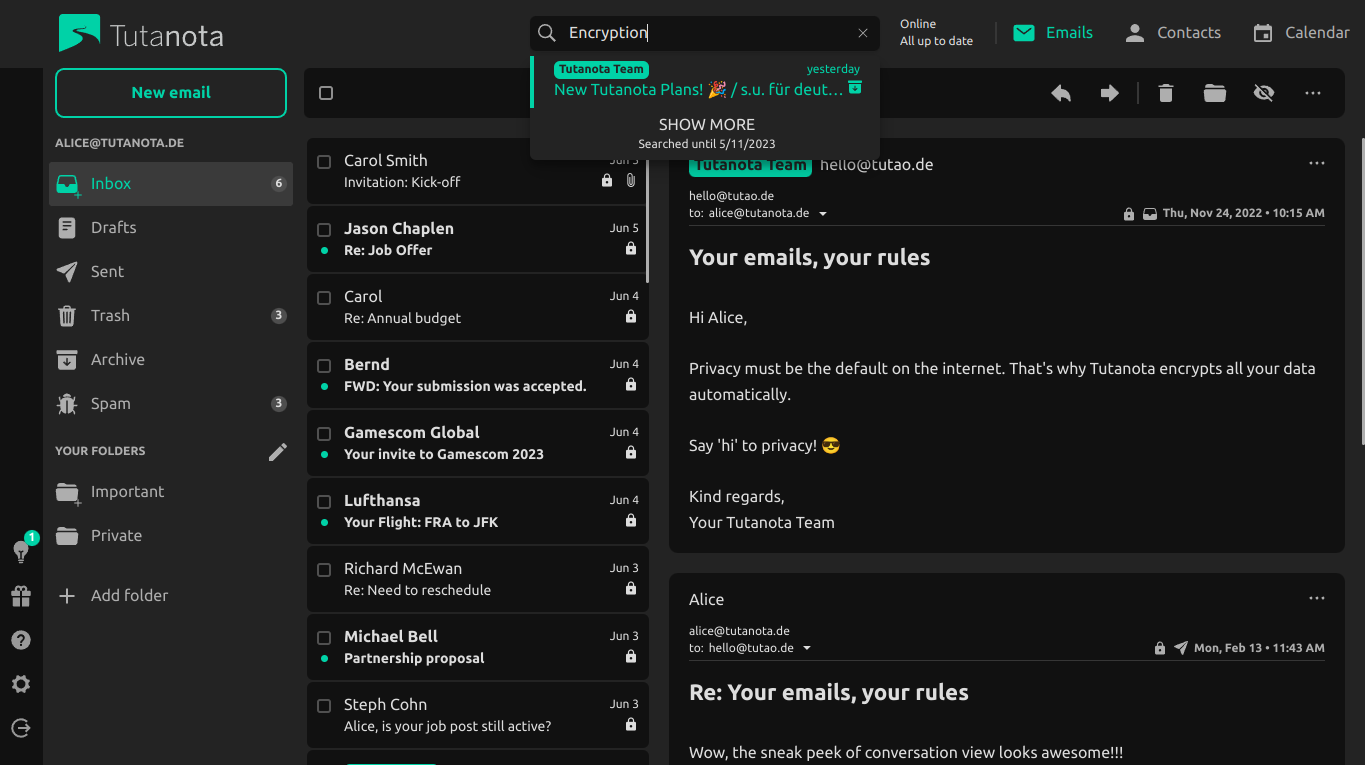
Tuta search field
tutacomm6oqwlbbpd246mljjxpupuxxqj2jg5mfdyegeaetdauigslad.onion
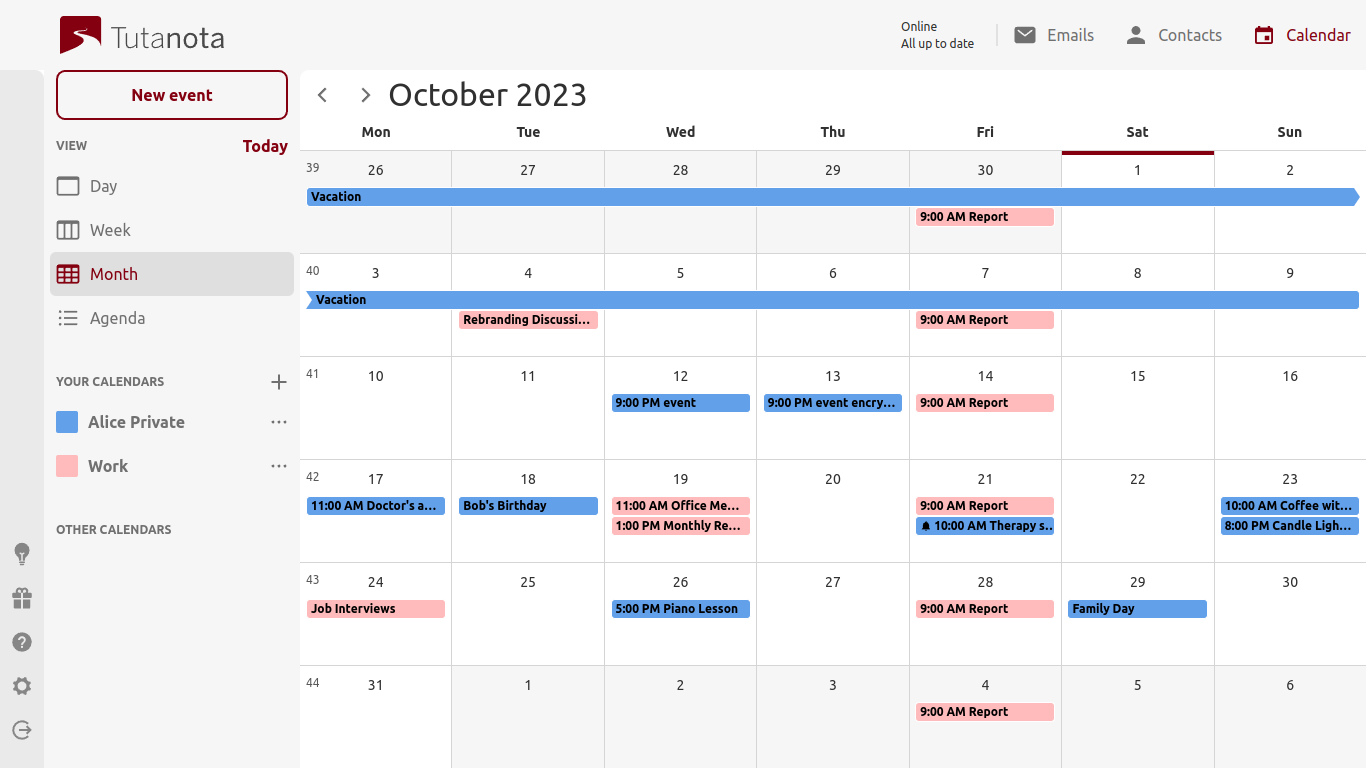
Tuta calendar
tutacomm6oqwlbbpd246mljjxpupuxxqj2jg5mfdyegeaetdauigslad.onion
Scroll to the phpMyAdmin Credential, you will see your phpMyAdmin info and its credential.
dwebkjkovsjobzrb45dz6prnlifnapiyp2dba33vcmcsaikr2re4d5qd.onion
Scroll to the Output: section, for compression, select zipped
dwebkjkovsjobzrb45dz6prnlifnapiyp2dba33vcmcsaikr2re4d5qd.onion
You should see the phpMyAdmin landing page.
dwebkjkovsjobzrb45dz6prnlifnapiyp2dba33vcmcsaikr2re4d5qd.onion
You should input your database root credential, which is displayed on our Customer Portal, in the Database Credential section.
dwebkjkovsjobzrb45dz6prnlifnapiyp2dba33vcmcsaikr2re4d5qd.onion
Then, it will redirect you to the database tables screen.
dwebkjkovsjobzrb45dz6prnlifnapiyp2dba33vcmcsaikr2re4d5qd.onion
o54hon2e2vj6c7m3aqqu6uyece65by3vgoxxhlqlsvkmacw6a7m7kiad.onion
Enter your new database name, for example, my_app.
dwebkjkovsjobzrb45dz6prnlifnapiyp2dba33vcmcsaikr2re4d5qd.onion
The phpMyAdmin loading screen is shown.
dwebkjkovsjobzrb45dz6prnlifnapiyp2dba33vcmcsaikr2re4d5qd.onion
KGpg Encryption Example
67pwjmdrwq7a7b2j3opm3ht7nqfey5gmtpufk65h6akrga7qasctk2ad.onion
Key Server Search Example
67pwjmdrwq7a7b2j3opm3ht7nqfey5gmtpufk65h6akrga7qasctk2ad.onion
View Messages List
67pwjmdrwq7a7b2j3opm3ht7nqfey5gmtpufk65h6akrga7qasctk2ad.onion
Submit Public Key Window
67pwjmdrwq7a7b2j3opm3ht7nqfey5gmtpufk65h6akrga7qasctk2ad.onion
Message Display Example
67pwjmdrwq7a7b2j3opm3ht7nqfey5gmtpufk65h6akrga7qasctk2ad.onion
Send Message Screen
67pwjmdrwq7a7b2j3opm3ht7nqfey5gmtpufk65h6akrga7qasctk2ad.onion
Generated Links
67pwjmdrwq7a7b2j3opm3ht7nqfey5gmtpufk65h6akrga7qasctk2ad.onion
Page:
5
6
7
8
9